Agentic Browsing in PageSpeed Insights: What Google's New Category Means for Your Site
PageSpeed Insights now shows a fifth category next to Performance, Accessibility, Best Practices, and SEO. It is called Agentic browsing, and it measures how ready your site is for AI agents to read and act on. Here is what it checks, why Google is measuring it, and what to do about it now.
A new category appeared in your report
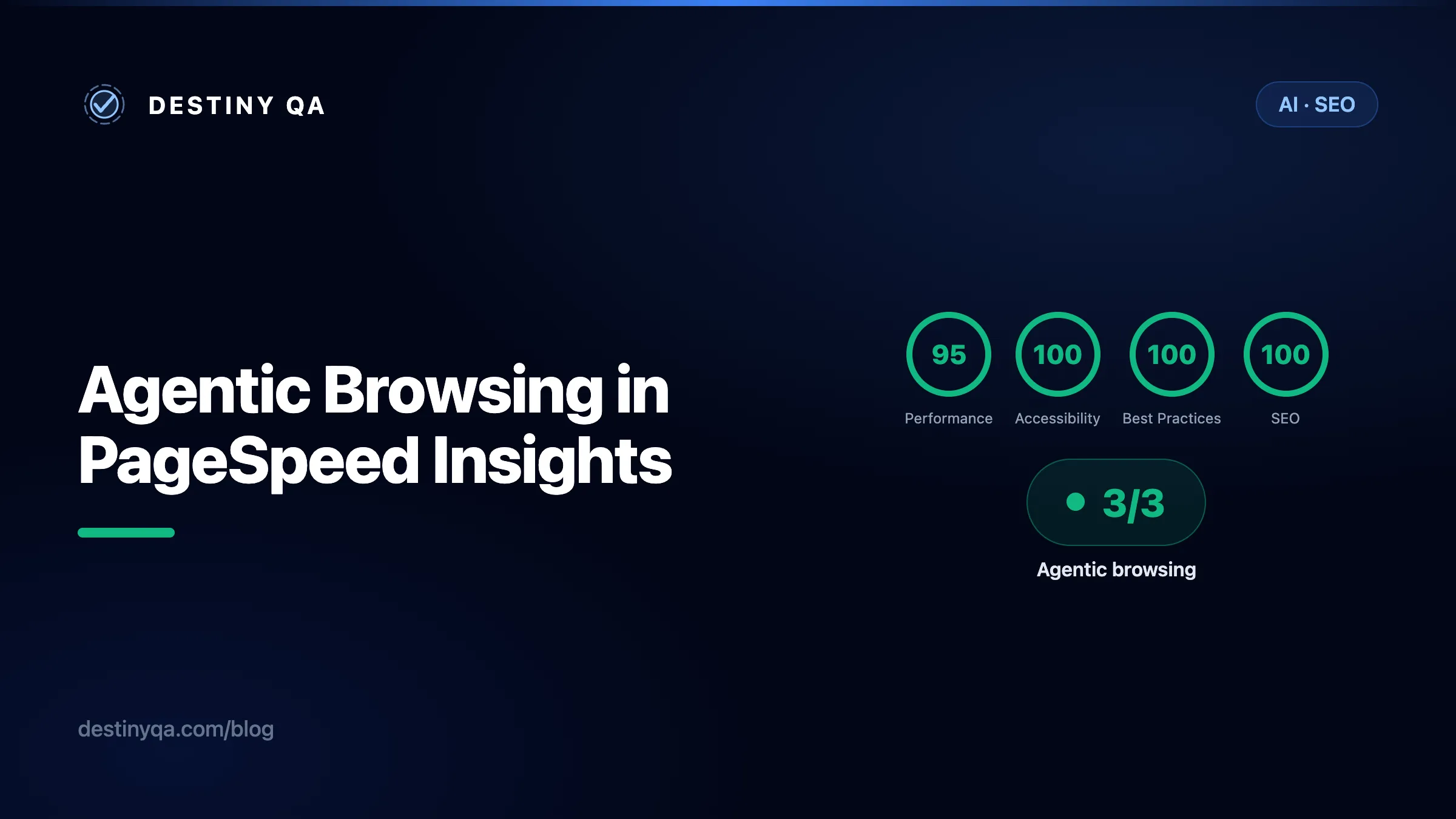
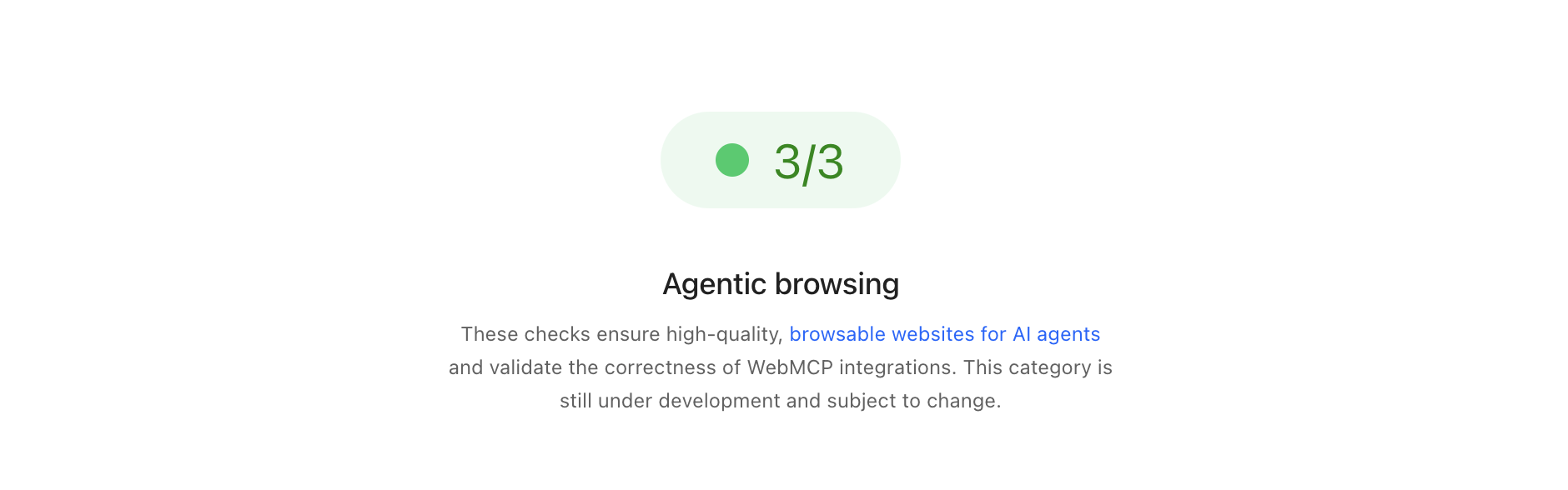
If you have run a recent audit in PageSpeed Insights or Lighthouse, you may have noticed an extra entry in the category row. Alongside the familiar 0 to 100 scores, there is now a small pill labelled Agentic browsing showing a ratio such as 3/3.

This category is experimental. It is based on proposed standards that are still being drafted, it requires Chrome 150 or later, and the WebMCP audits inside it require registering for the WebMCP origin trial. Google is clear that the category is under active development and subject to change. It is not a ranking factor today. But the fact that it now ships inside Google's own performance tooling is the signal worth paying attention to.
What Agentic browsing actually measures
Google describes the category in one line: these checks ensure high-quality, browsable websites for AI agents and validate the correctness of WebMCP integrations.
The reason this exists is straightforward. A growing share of web traffic no longer comes from a person clicking through a page. It comes from an AI agent acting on a person's behalf: an assistant booking a table, comparing prices, filling in a form, or pulling a summary. ChatGPT, Gemini, Copilot, and Perplexity all now drive sessions where software, not a human, is doing the reading and the clicking.
Those agents do not see your page the way a person does. They do not see your layout or your brand colours. They read structure: the accessibility tree, the controls they can operate, and any tools your site explicitly exposes. Agentic browsing is Google's first attempt to measure how legible your site is to that kind of visitor.
Why there is no 0 to 100 score
Every other Lighthouse category gives you a weighted average from 0 to 100. Agentic browsing does not. Because the standards for the agentic web are still emerging, Google's stated goal is to gather data and give actionable signals, not to hand out a definitive ranking yet.
Other categories
A single weighted number from 0 to 100, designed to rank and compare.
Agentic browsing
A fractional score: how many readiness checks your site passes.
Instead of a grade, the report gives you three things:
- A fractional score. A ratio showing how many agentic readiness checks your site passes, for example 3/3.
- Pass or fail status. Specific audits emit errors or warnings when a technical requirement, such as WebMCP schema validity, is not met.
- Informational counts. The category header surfaces a pass ratio so you can watch progress at a glance over time.
The three things it checks
The audits fall into three groups. Each uses deterministic signals, which means the checks are reproducible and safe to wire into a CI/CD pipeline.
WebMCP integration
Lighthouse talks to the Chrome DevTools Protocol WebMCP domain to watch your site register tools, the explicit actions an agent can call. It verifies both declarative tools (defined in HTML) and imperative tools (defined in JavaScript), and flags invalid schemas.
Agent-centric accessibility
Agents use the accessibility tree as their primary data model, so Lighthouse runs the subset of accessibility audits that matter most for machine interaction: names and labels (every interactive element has a programmatic name), tree integrity (roles and parent-child relationships are valid), and visibility (content is not hidden from the tree while still being interactive).
Stability and discoverability
Cumulative Layout Shift measures whether elements stay put, which matters because an agent identifies an element and then acts on it a moment later. A check for llms.txt confirms there is a machine-readable summary at the root of your domain.
How an agent reads and acts on your page
It helps to picture the sequence an agent goes through. Each step maps directly onto one of the audits above.
- 01
Build the accessibility tree
The agent constructs the same machine-eye view that a screen reader uses. Unlabelled controls and broken roles simply do not exist to it.
- 02
Discover the tools
It checks for WebMCP tools your site has registered, the explicit, callable actions like search or add to cart, with typed inputs.
- 03
Locate the target
It finds the element or tool it needs for the task and prepares to interact with it.
- 04
Act on a stable page
It clicks, types, or invokes a tool. If the layout shifts between locating and acting, the interaction can land on the wrong element.
An llms.txt file sits alongside this flow as a map: a plain summary at the root of your domain that points an agent at the most important pages before it starts crawling.
How to improve your agentic readiness
There are four levers, and they neatly mirror the audits. Two of them (accessibility and stability) are things you should already be doing for users and for SEO. The other two (WebMCP and llms.txt) are newer and optional, but cheap to add.
1. Adopt WebMCP
WebMCP (the Web Model Context Protocol) lets your site expose its own features to agents as structured, callable tools, rather than forcing an agent to reverse-engineer your UI by clicking around. There are two ways to define a tool.
The declarative API annotates an existing HTML form. You add toolname and tooldescription to the form and an optional toolparamdescription to each field. The browser turns the form into a tool schema for you.
<form toolname="searchProducts"
      tooldescription="Search the catalogue for products by keyword."
      action="/search">
  <label for="q">Search term</label>
  <input id="q" type="text" name="q"
         toolparamdescription="Keywords, for example 'running shoes'." />
  <button type="submit">Search</button>
</form>
The imperative API registers a tool in JavaScript, which suits dynamic actions and richer input schemas. As of Chrome 150 the entry point is document.modelContext.registerTool() (the earlier navigator.modelContext entry point is deprecated). The handler just calls the JavaScript you already have.
document.modelContext.registerTool({
  name: "add_to_cart",
  description: "Add a product to the shopping cart by its ID.",
  inputSchema: {
    type: "object",
    properties: {
      productId: { type: "string" },
      quantity: { type: "number", minimum: 1 },
    },
    required: ["productId"],
  },
  execute: async ({ productId, quantity = 1 }) => {
    await cart.add(productId, quantity);
    return `Added ${quantity} x ${productId} to the cart.`;
  },
});
WebMCP is a proposed web standard, developed in the open in the webmachinelearning/webmcp explainer. It is behind an origin trial and the exact API is subject to change, so treat these examples as the current proposed shape rather than a frozen specification.
2. Ensure a sound accessibility tree
This is the single highest-leverage area, because it is the machine-eye view of your page and it is something you should be doing for people too. Prioritise semantic HTML and proper ARIA labelling so every control has a programmatic name and a real role. A div with a click handler is invisible to an agent; a real button is not.
<!-- Invisible to an agent: no role, no name -->
<div class="btn" onclick="addToCart()">
  <svg>...</svg>
</div>

<!-- Legible: real role, programmatic name, labelled input -->
<button type="button" aria-label="Add to cart">
  <svg aria-hidden="true">...</svg>
</button>

<label for="email">Email address</label>
<input id="email" type="email" name="email" autocomplete="email" />
The audits here check three things in particular: every interactive element has a name, role, and value, the role hierarchy is valid, and nothing interactive is hidden from the tree.
3. Optimise for stability
Reduce layout shifts so an agent can rely on element positions. Cumulative Layout Shift is the same Core Web Vital you already track, and the same fixes apply: set explicit width and height on images and embeds, reserve space for ads and injected content, and avoid inserting content above what is already on screen. If an element moves between the moment an agent locates it and the moment it acts, the click can miss.
4. Add an llms.txt file
llms.txt is a Markdown file at the root of your domain that gives a machine-readable summary of your site and points to its most important pages. Lighthouse checks for its presence. It is quick to write and easy to keep current.
# Destiny QA
> Automated website QA: accessibility, performance, SEO, and uptime monitoring.

Destiny QA crawls your site and reports WCAG failures, Core Web Vitals,
broken links, and agent-readiness signals.

## Docs
- [Run your first audit](https://destinyqa.com/help/first-website-audit): step-by-step setup.
- [Understanding WCAG](https://destinyqa.com/help/understanding-wcag): how findings map to WCAG.

## Product
- [Pricing](https://destinyqa.com/pricing): plans and limits.
- [Blog](https://destinyqa.com/blog): guides on accessibility, SEO, and the agentic web.
A readiness checklist
If you want one table to work from, this is it. The first two rows pay off for users and SEO regardless of what happens to the agentic web.
| What to do | Maps to | Effort |
|---|---|---|
| Name and label every interactive control | Agent-centric accessibility | Low |
| Fix invalid roles and tree structure | Agent-centric accessibility | Medium |
| Set image dimensions, reserve space for injected content | Stability (CLS) | Low |
| Publish an llms.txt at your domain root | Discoverability | Low |
| Expose key forms and actions with WebMCP | WebMCP integration | Medium |
Why your score may fluctuate
The audits are deterministic, but your ratio can still move between runs. Knowing why keeps you from chasing noise.
- Dynamic tool registration. If you register WebMCP tools with JavaScript, the timing of those calls affects whether they are captured during the Lighthouse snapshot. Register early.
- Accessibility tree variability. Large changes to DOM size or complexity reshape the tree, which is a core metric for agentic navigation.
- Layout shift. Ads, images without dimensions, or injected content can move elements between the time an agent identifies them and the time it interacts.
Because the checks are reproducible, the best way to use this category is as a signal in CI: track the ratio over time rather than reacting to a single run.
Where this is heading
It is worth being honest about the maturity here. WebMCP is a proposed web standard, developed in the open and still early. Chrome opened a public origin trial for it from Chrome 149, Chrome 150 reworked the API and added the Agentic browsing category to Lighthouse, and the whole thing is explicitly experimental and subject to change. That is a fast trajectory, but nothing here is finalised.
Chrome 149
WebMCP origin trial opens
Sites can register for a public origin trial to try the WebMCP APIs.
Chrome 150
API reworked and Lighthouse measures it
document.modelContext replaces the deprecated navigator.modelContext, and Lighthouse adds the Agentic browsing category to PageSpeed Insights.
Now
Experimental and subject to change
Google describes the category as still under development, gathering data rather than handing out a definitive score.
Next
CI/CD and wider adoption
Deterministic audits make this a natural pipeline check. If the pattern holds, expect the standard to firm up and the category to expand. This part is our expectation, not a Google commitment.
The likely direction is the same path that mobile-friendliness and Core Web Vitals followed: Google starts by measuring a quality, publishes the signal, developers adapt, and over time it becomes an expectation. Google has not said agentic readiness will ever be a ranking factor, and it may never be one in search. But as more journeys are completed by agents rather than people, sites that an agent can read and operate will simply convert that traffic, and sites that block it will not. The measurement landing inside PageSpeed Insights is how that shift becomes visible.
The bottom line
Agentic browsing is experimental, it has no 0 to 100 score, and it is not a ranking factor today. None of that makes it safe to ignore. The two highest-impact levers, a sound accessibility tree and a stable layout, are things you should already be doing for users and for search. Doing them well now also makes your site legible to the agents that an increasing share of your visitors will send in their place.
Adding llms.txt takes minutes, and WebMCP is a small, optional bet on where the web is going. The category showing up in Google's own tooling is the early signal. The cheapest time to act on it is before it becomes an expectation.
Sources
- Lighthouse Agentic Browsing scoringCategory scope, fractional scoring, and the audits (WebMCP, accessibility tree, CLS, llms.txt).
- WebMCP overviewDeclarative and imperative APIs; document.modelContext replaces the deprecated navigator.modelContext in Chrome 150.
- Join the WebMCP origin trialOrigin trial availability from Chrome 149.
- WebMCP explainer (webmachinelearning/webmcp)The proposed standard, developed in the open.
WebMCP and the Agentic browsing category are experimental and subject to change. Details here reflect Chrome's documentation as of June 2026.
Related guides
Improving page performance findings
Read Core Web Vitals results, find the biggest opportunities, and know what to fix first.
Understanding WCAG and accessibility levels
What WCAG 2.1 and 2.2 mean, how the conformance levels work, and which checks Destiny QA automates.
Fixing accessibility findings
What contrast, alt text, label, and landmark findings mean, and how to resolve them.
Check your agentic foundations
Run a free audit on your site
The groundwork for agentic browsing is a clean accessibility tree. Destiny QA checks every page for the WCAG failures that make a site hard for both people and agents to read: missing labels and roles, low contrast, broken heading structure, and a missing llms.txt. It even renders the accessibility tree as a screen reader view, the same machine-eye view an agent relies on.
Start free